Texo keeps your library in a GitHub repository you own. Sync, history, suggestions and websites come with it, free.
Download TexoSign in with GitHub and pick a repository. A second Mac joins by picking the same one.
Read more
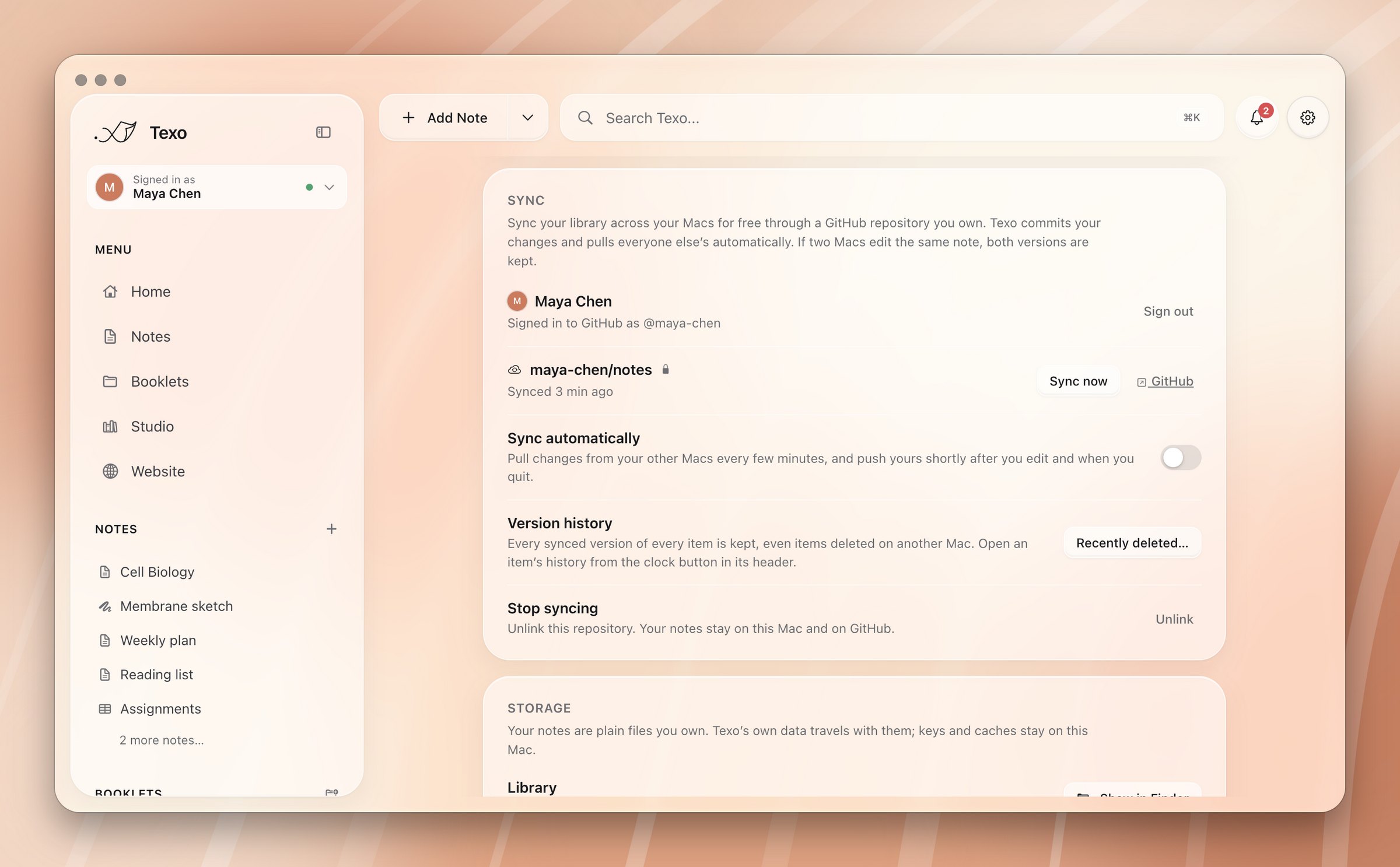
Every version of every item, with a diff. Restoring adds a new version, so it can be undone.
Read more
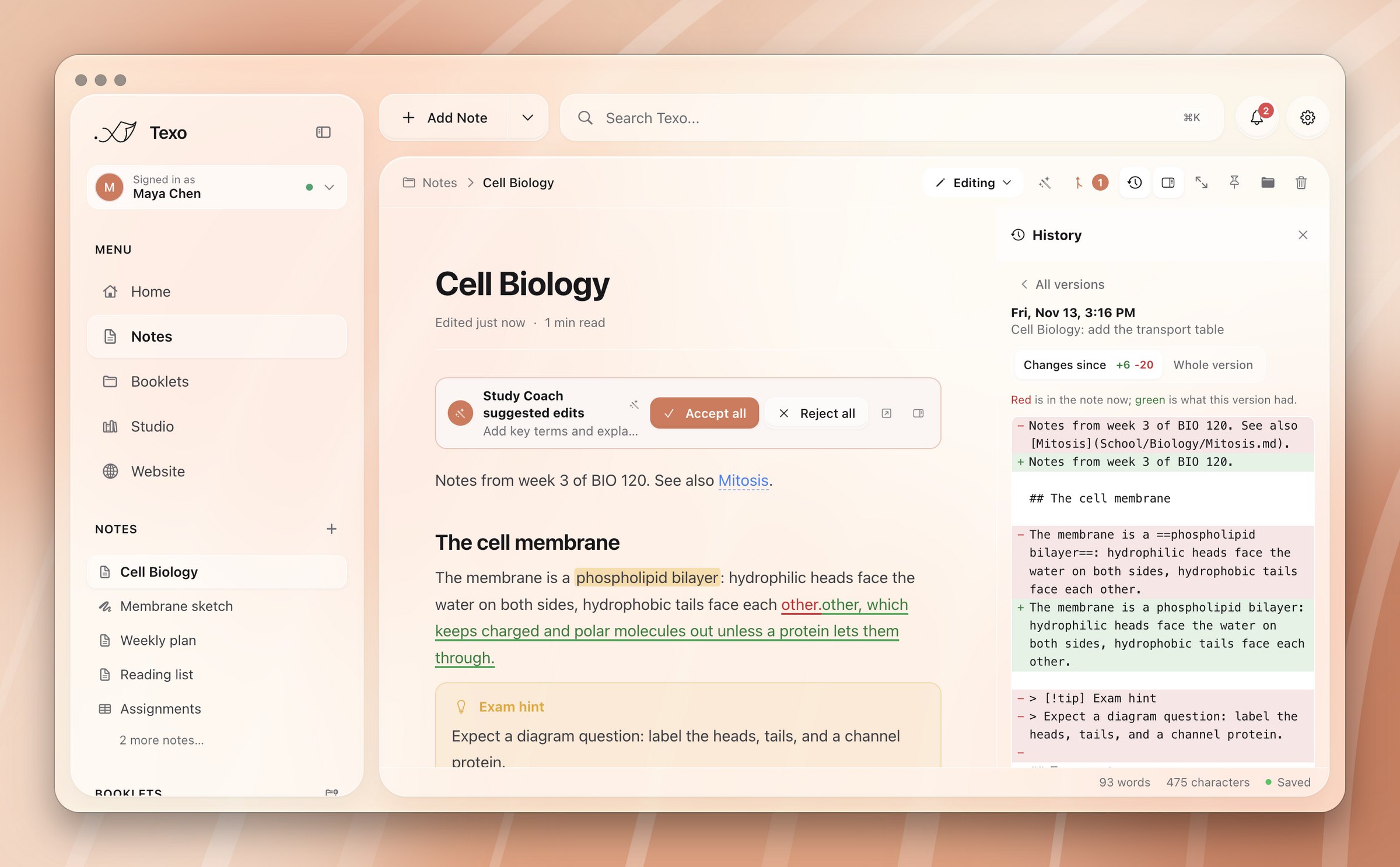
Changes from others appear on the page, in green and red.
Read more
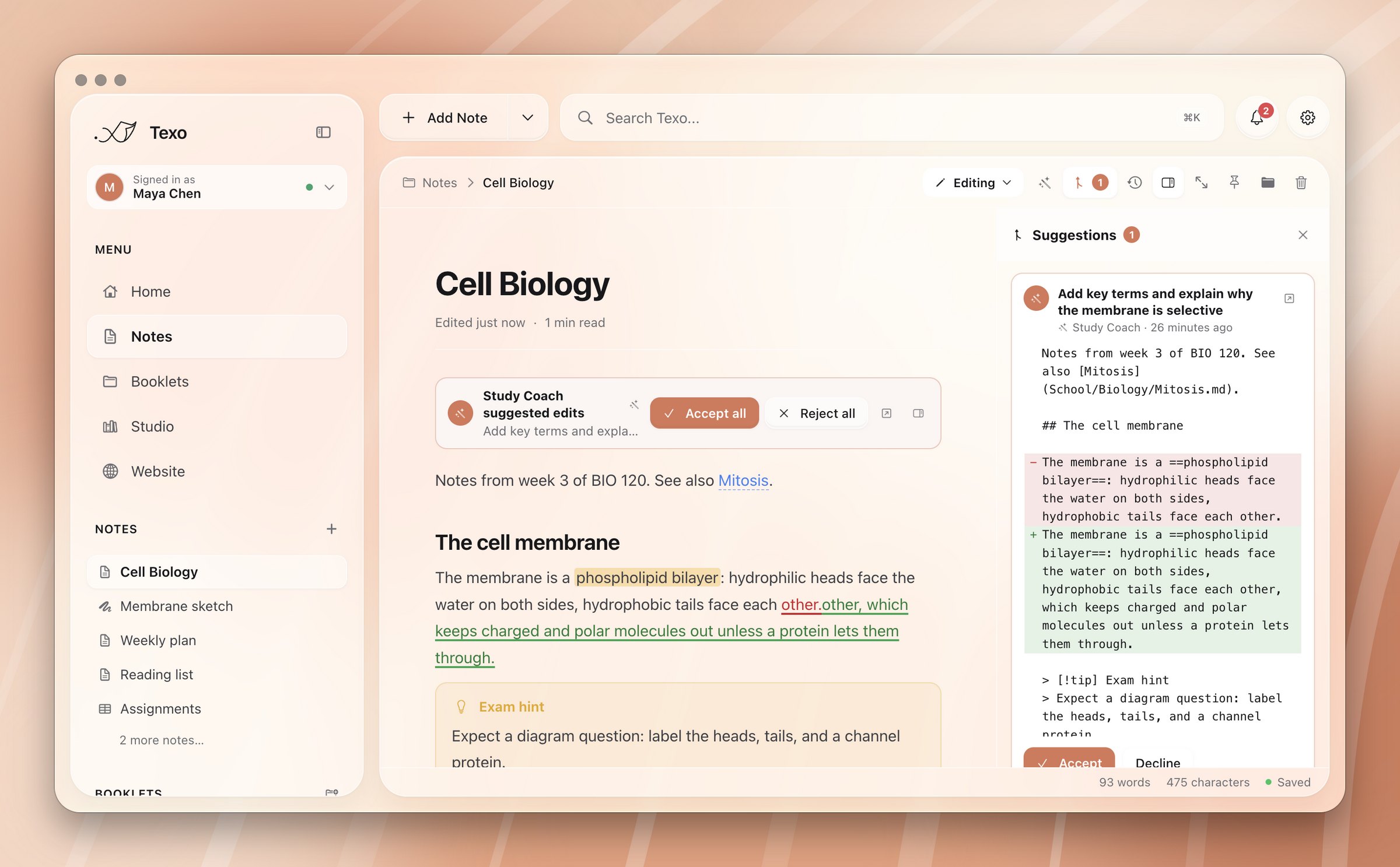
Your commits become a year-long heatmap on Home.
Read more
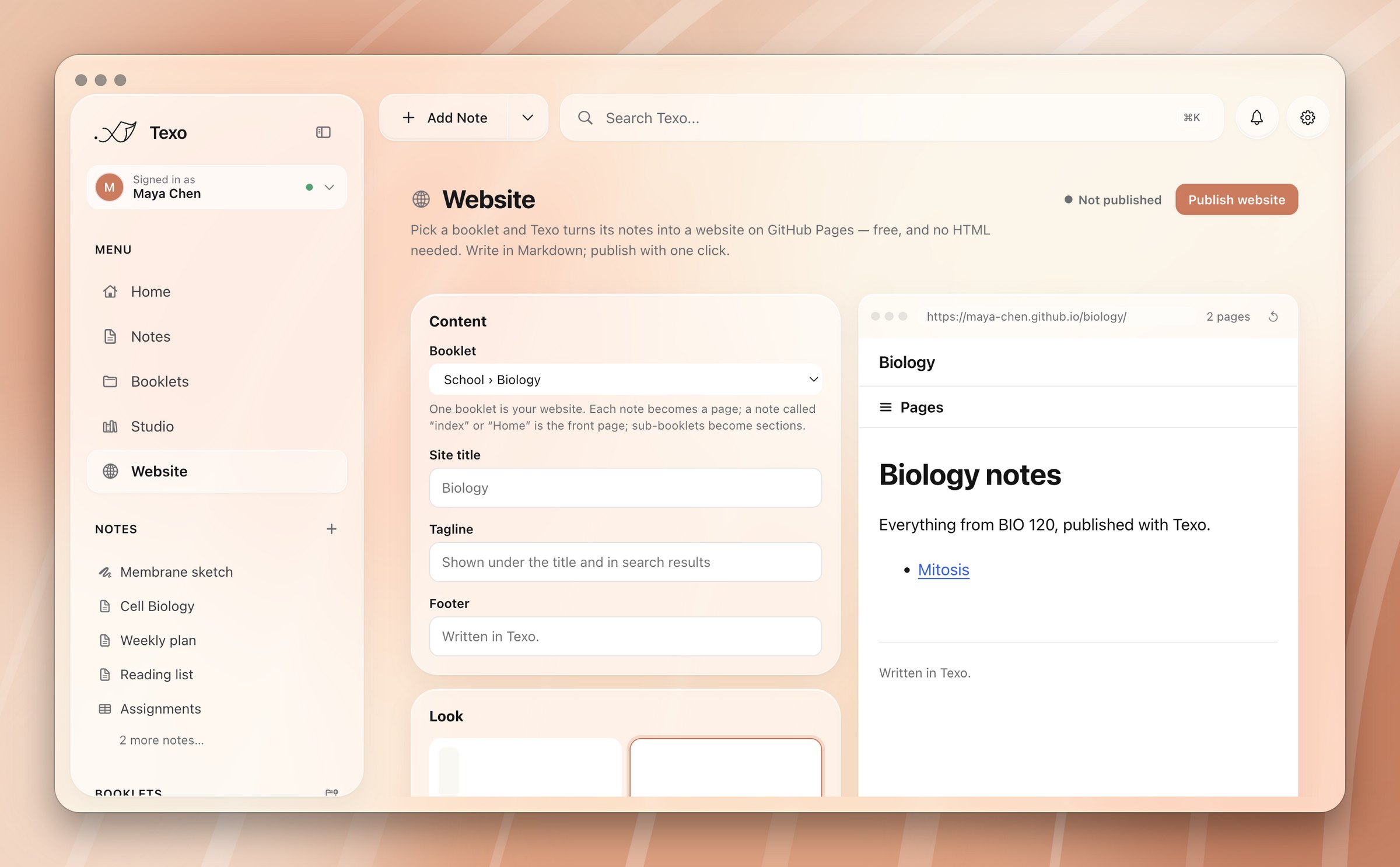
One booklet becomes a website on GitHub Pages.
Read more


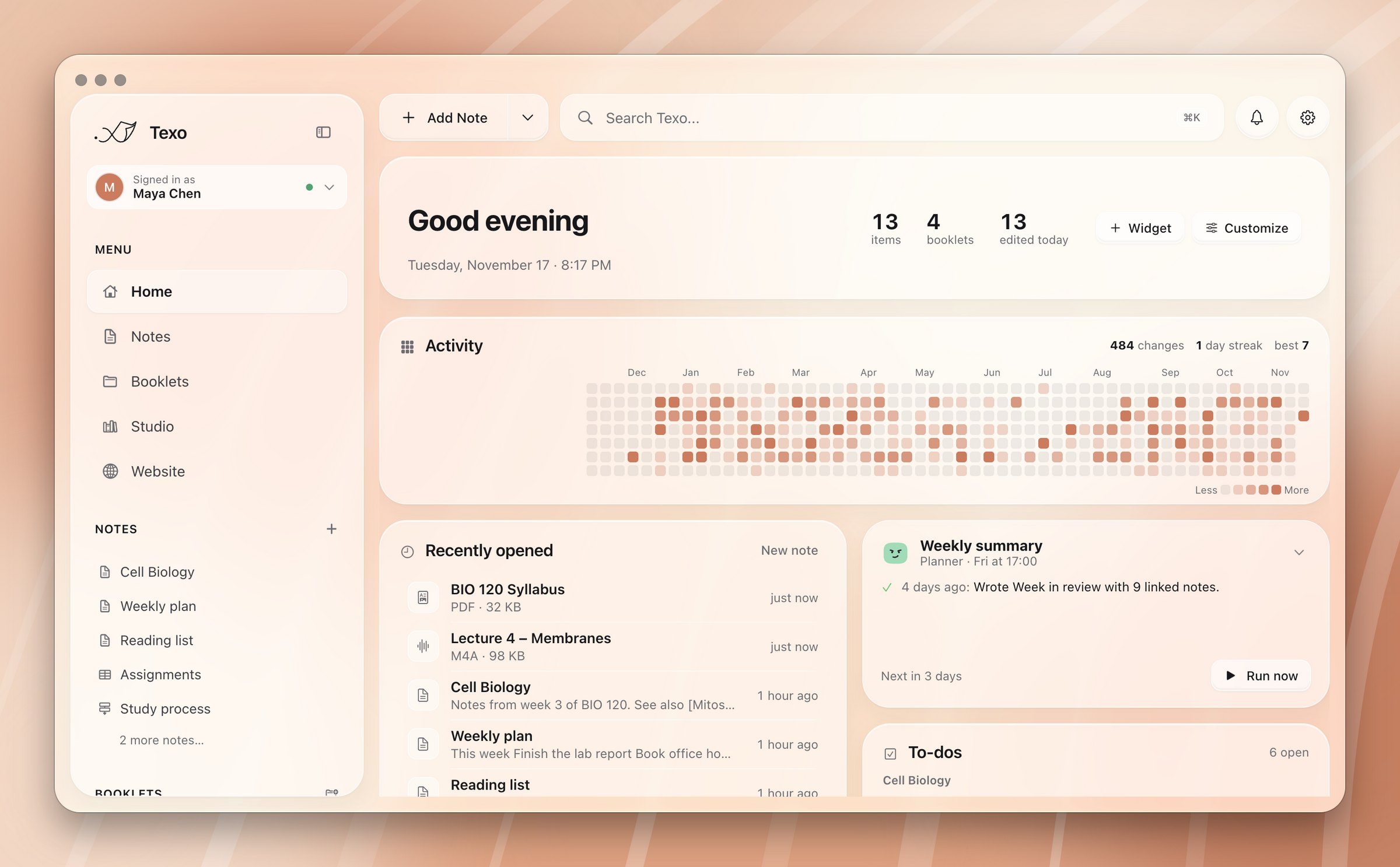
Two Macs, one library. When they disagree, Texo keeps both sides instead of guessing.
This Mac's version stays. The other is saved next to it as a dated conflicted copy, and you get a notification.
The edit wins. A note never disappears because another Mac threw away an older copy.
GitHub refuses files over 100 MB. Anything above 95 MB, like a long recording, stays on the Mac it was made on.
The membrane is a phospholipid bilayer: hydrophilic heads face the water on both sides, hydrophobic tails face each other.other, which keeps charged molecules out unless a protein lets them through.
Transport across it can be passive or activeis passive (diffusion, no energy) or active (pumps that spend ATP), depending on the gradient.
Hover a change to accept or reject it.
Pull requestsFrom anyone reading your public notes repository.
CollaboratorsBranches pushed by people you've added to the repository.
AgentsLarge edits an agent proposes instead of writing straight in.
YouChanges you make in Suggesting mode, reviewed later or on another Mac.
Accepting keeps your own edits. Texo merges line by line and only asks when you both changed the same line. When everything is decided, the pull request is closed with a thank-you, or the agent's branch is deleted.
Read morePick a booklet. Each note becomes a page, index becomes the front page, and sub-booklets become the menu. The site is published from its own public repository, so the rest of your library stays private.
---
title: About me
description: Shown in search results
order: 1 # position in the menu
draft: true # leave it off the site
hidden: true # on the site, not in the menu
---
Encrypted by macOS. Git receives it through its environment, so it never shows up in a command line or .git/config.
Commits use GitHub's private no-reply address, never your real one.
Signing in asks for GitHub's repo permission. A fine-grained token limited to one repository works too.
Your notes travel between your Mac and your repository. Nothing passes through us.