A team for your notes.

Agents you build yourself. They read your library, write in your notes and run on a schedule, using the AI you pick.

Download Texo

Every face here was made at random. Click one for another.

How it works

Ask once. Watch it work.

  1. Build

    A face, a job in your words, and the abilities you allow.
    Read more

  2. Summon

    Press ⌘J in a note. Run, ask, write, improve or find links.
    Read more
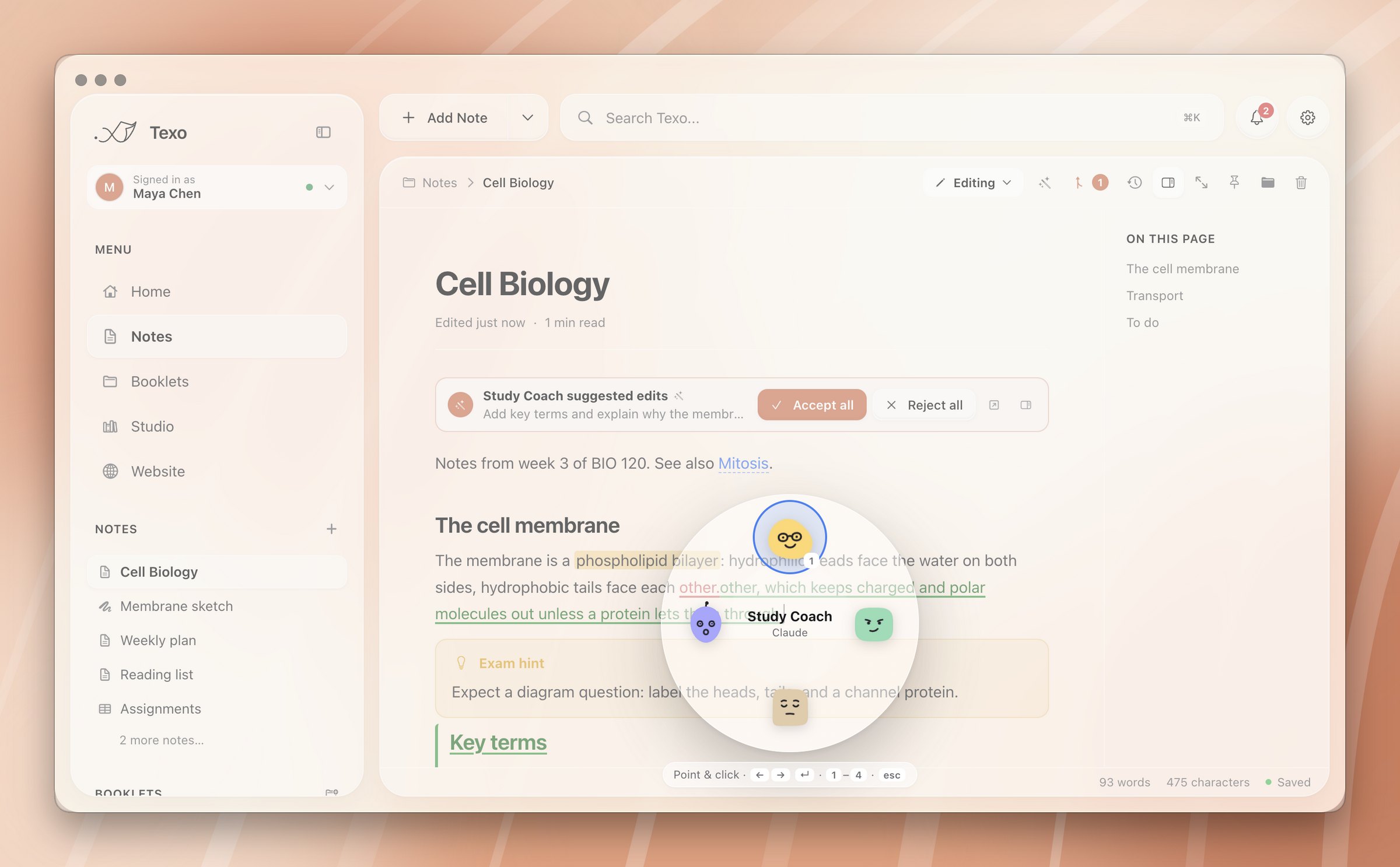
  3. Watch

    Every search, read and edit appears as it happens.
    Read more
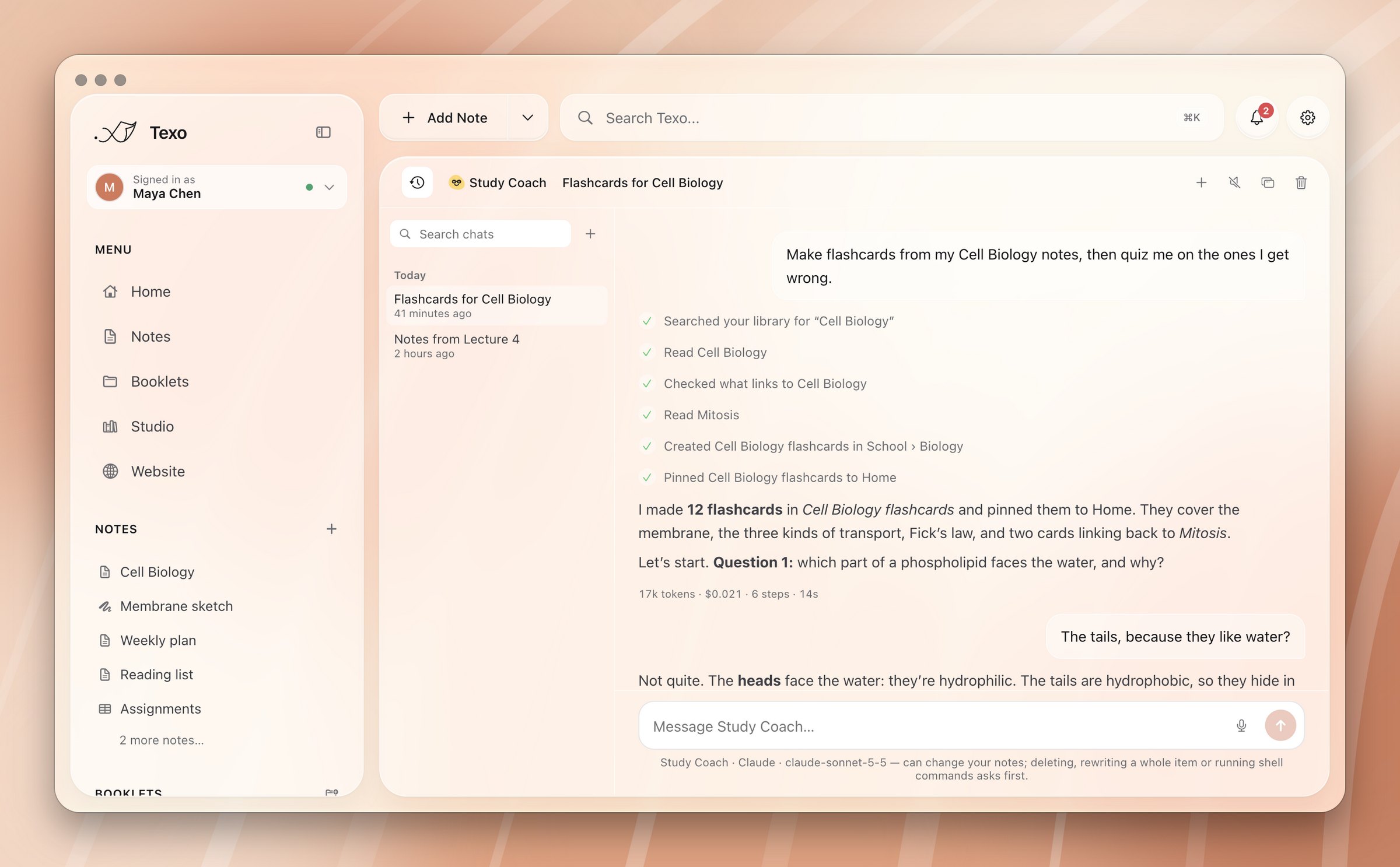
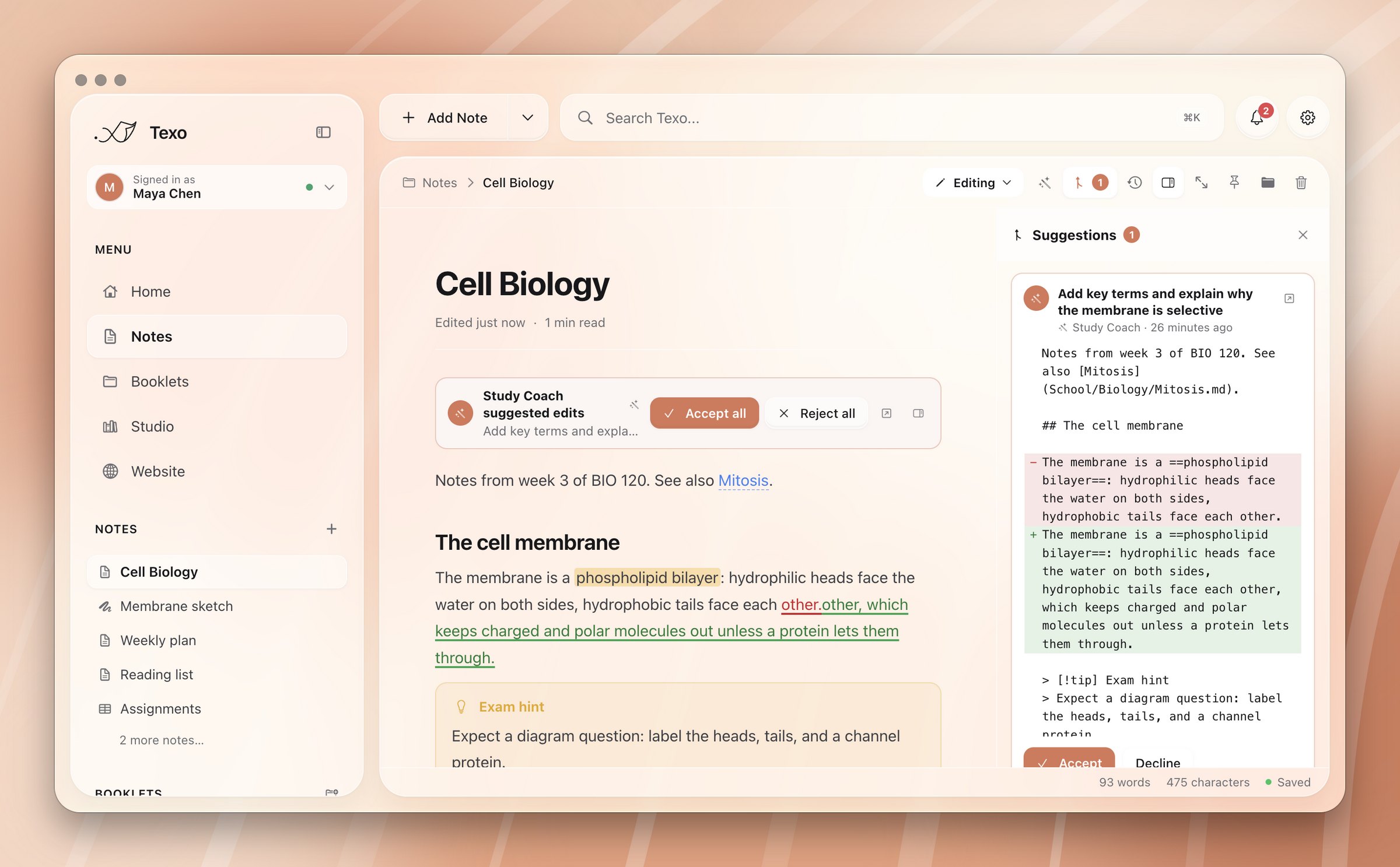
  4. Review

    Big edits arrive as suggestions. Accept or reject each one.
    Read more
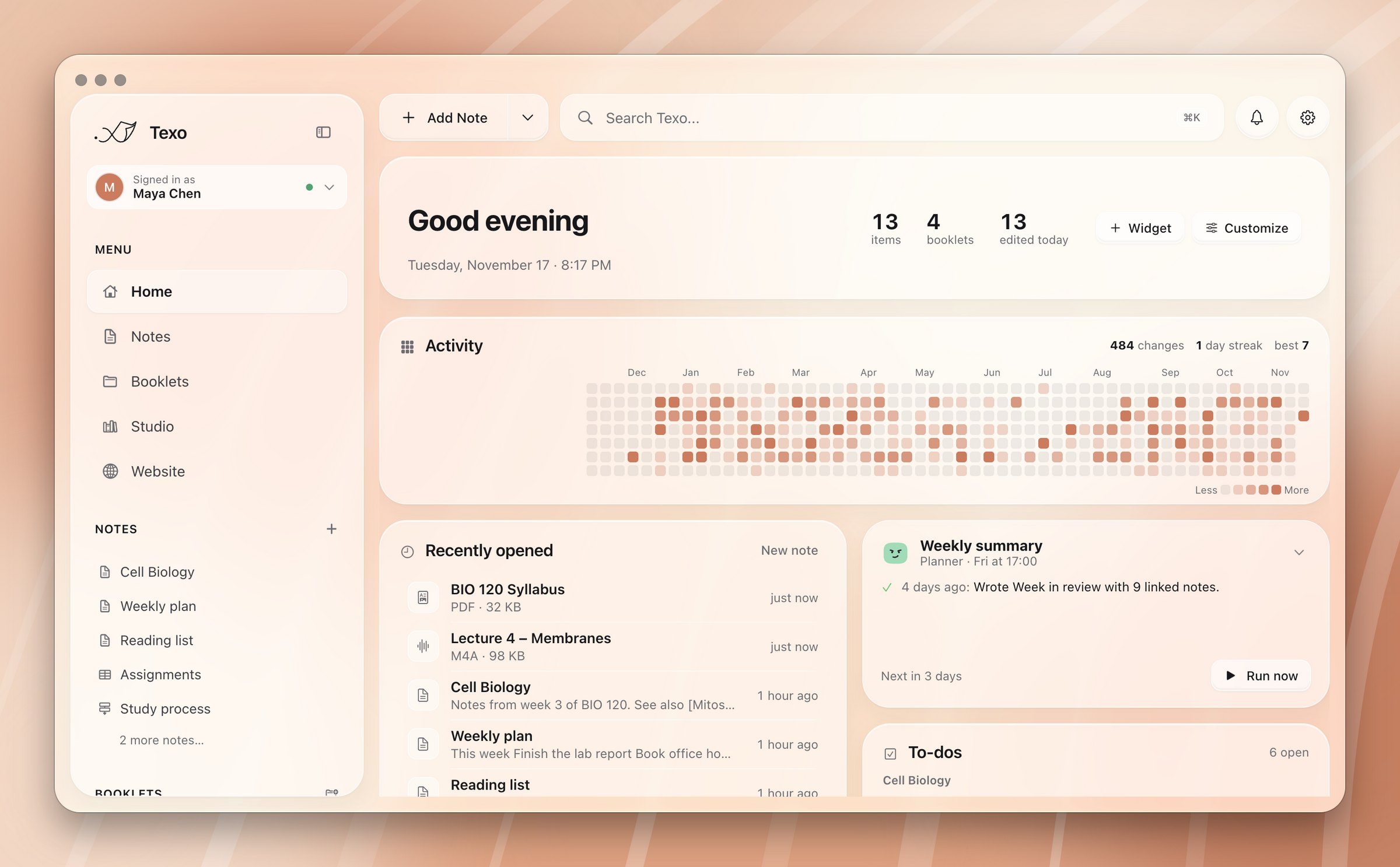
  5. Automate

    Run a task every Friday, or whenever a note lands in a booklet.
    Read more
  6. Budget

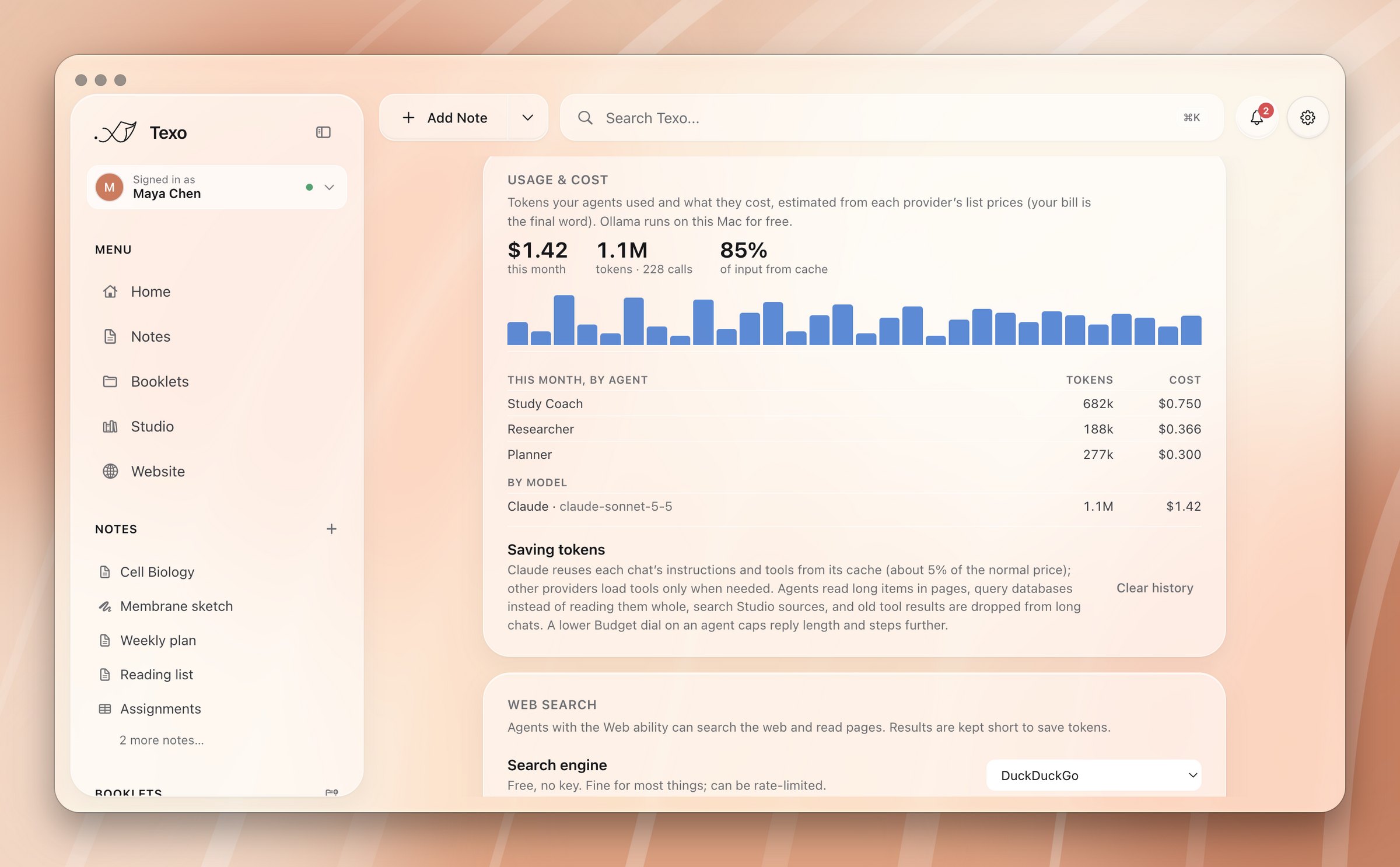
    Tokens and cost on every task. Monthly totals by agent.
    Read more
Editing an agent: face, name and job
The agent wheel open in a note
An agent working step by step
An agent's suggested edits, inline
Home with a scheduled automation
Usage and cost by agent and model
Give it a face

Yours looks like no one else's.

Each agent gets a face you put together. It breathes, blinks and follows your pointer while it waits.

Abilities

Only what you allow.

Each ability is a switch. Turned off, the agent doesn't have those tools at all.

Read

Every item, PDFs, images and history. Always on.

Write

Create and edit notes, charts and notebooks.

Organize

Rename, move and file into booklets.

Databases

Rows, columns, sorts and filters.

Web

Search the web and read pages.

Run code

Notebook cells and shell commands. Asks first.

Control the app

Open, pin, notify and schedule.

GitHub

Propose changes, restore versions, publish.

Delete

Move to the Trash. Always asks first.

More coming soon

Read more
Providers

Bring the AI you like.

Use your own key and pay the provider directly, usually a few cents a task. Or run a model on your Mac for free.

Claude
ChatGPT
Gemini
Groq
Ollama, on your Mac

Build your first agent.

Download Texo